

Using the VPN
VPN stands for Virtual Private Network. Using the VPN is a convenient way to access BU’s internal network from off-campus. For more information on working from home with BUMC, visit our Working Remotely page for an index of remote services and capabilities available to BU faculty and staff.
Two Factor VPN is required for:
- BU Remote Desktop Connections
- Y: Drive access off-campus, at home, or on the BMC network
- Off-campus access to computers or devices on BU’s private network
Here are the steps to follow if you are having trouble accessing the Y: drive or remote desktop:
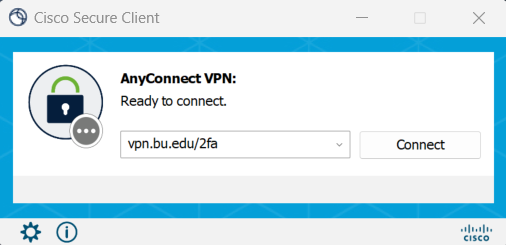
- Ensure that your Cisco Secure Client is contacting “vpn.bu.edu/2fa” ( Not “vpn.bu.edu” or “vpn.bumc.bu.edu”):
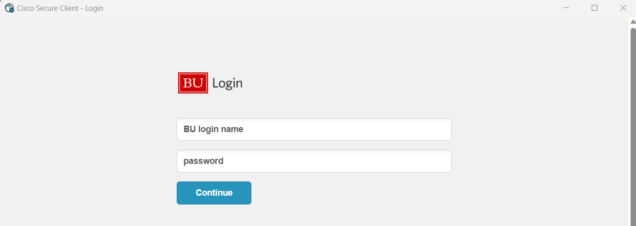
- You will be prompted to login with your BU username and password, click continue:
- You will then be prompted by DUO Two-Step login, which will prompt you to authenticate with your registered DUO device:

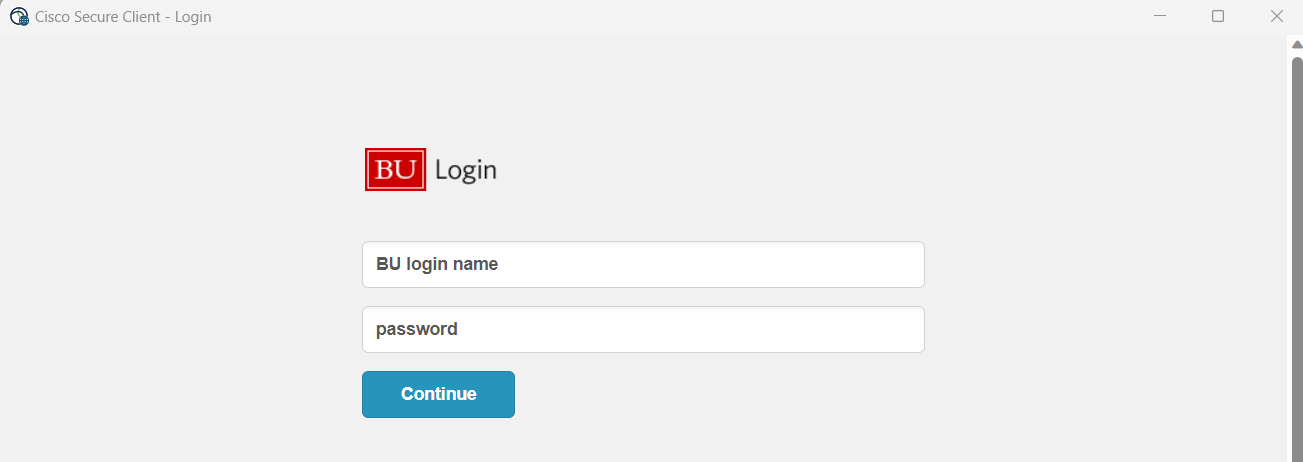
Note: If you’re using the Duo mobile app, you may want to have it open and ready at this point before authenticating. The time-out period for the push authentication is fairly quick, so it helps to have the app ready to be accessed
Additional Two-Factor VPN troubleshooting can be found at https://www.bu.edu/tech/services/cccs/remote/vpn/two-factor-vpn/
Notes regarding our VPN configuration:
- We no longer recommend built-in VPN programs on Mac or Windows, as they are incompatible with the Two-Factor VPN. If the Cisco Secure Client program does not work on your OS, you will need to update to be fully supported.
- Two-Factor VPN is required if you need Y: drive or Remote Desktop access, but the vpn.bumc.bu.edu address will still work for accessing other resources like Library databases.
- The vpn.bu.edu/2fa server only filters traffic that is going through bu.edu or bmc.org. Any other Internet addresses will work through your usual network provider. If you need all network traffic to go through BU, you should use vpn.bumc.bu.edu.