Introduction to ILLiad
ILLiad is a new-to-AML tool for managing Interlibrary Loan requests.
ILLiad gives you a personal ILL account using your BU login and password. It provides a single link to send requests, see updates on request status, and receive electronic articles and book chapters directly in your account. (You will still need to visit the library to pick up physical book loans.)
ILLiad can also save time by automatically filling in the request form for any item you find using the BU Library catalog: in the example below, BU does not have access to the article, but our catalog is able to provide information about it, and if you click the link to sign in and see options, then click ‘request,’ the form will automatically be filled in for you with all the citation details.
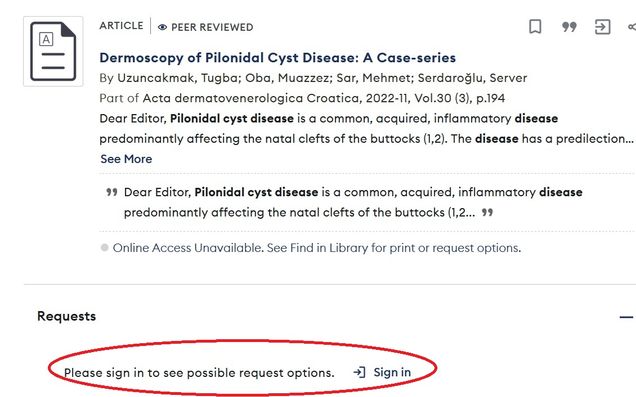
This will not always work since not all materials can be found in the catalog, but it is a quick step that will save time if successful, so we recommend starting your ILL requests by checking for your article title in BU Libraries Search.
Be assured that the same hardworking humans are still on the other side of the screen here in the library, doing our best to fill requests in a timely fashion, so don’t hesitate to reach out to illmed@bu.edu if you have questions.